
Device Runner
macOS
Manage iOS and Android devices in one place.
Build and run native iOS and Android projects, manage simulators and emulators, and save device screenshots beside your code.
Download for macOS
macOS 14.0 or laterApple Silicon
v1.0.42 · 7.4 MB
Try all features for 7 days. Then $2 USD once for 2 Macs. No subscription.
Trial and license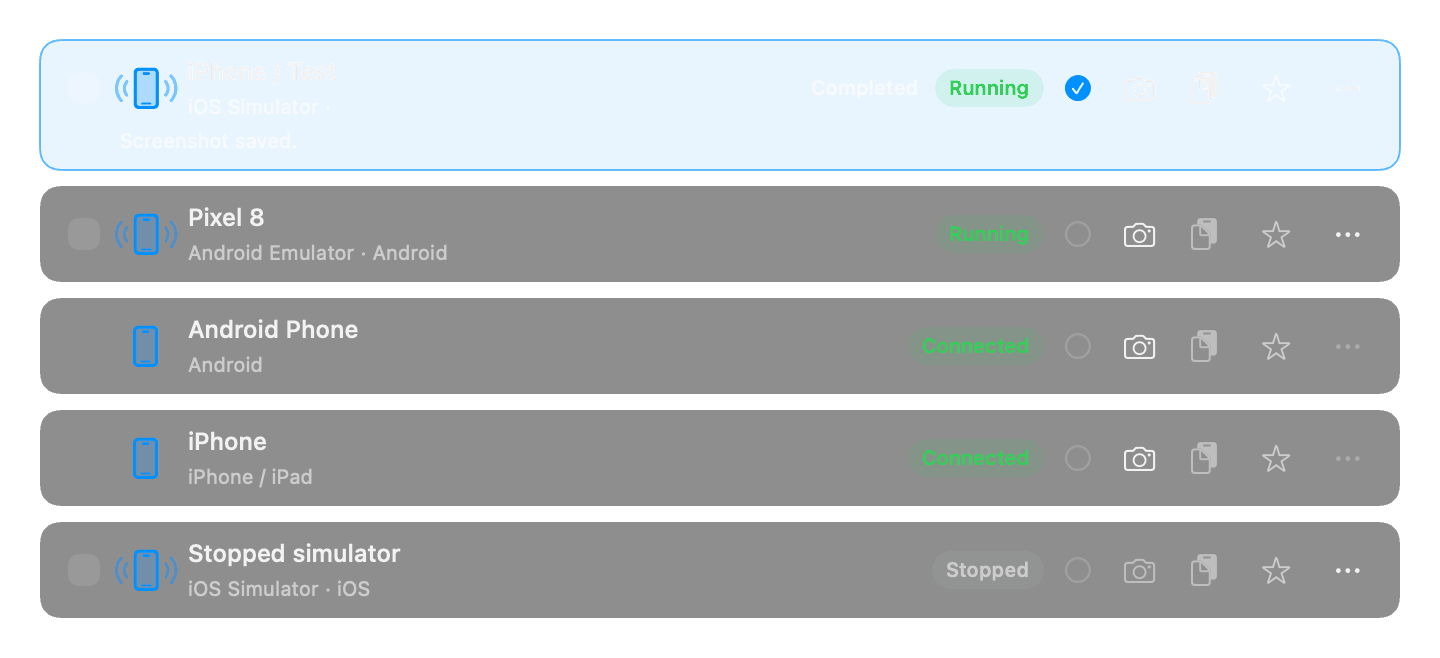
Installation
Download and open the DMG.
Drag Device Runner to Applications.
Open it from Applications and select your project.
What you need
macOS 14.0 or later
Apple Silicon
For iOS, install Xcode. For Android, install the Android SDK and compatible Java. Device Runner does not include these tools.
Support
SupportRelease notes · 1.0.42
- Device Runner 1.0.42 release.
Verify the download
Compare the SHA-256 checksum of the downloaded DMG with this value.
SHA-256
c5bf030099d13557eef8e420e7f600bd00fa63559823b9d7f4abc98d46bc7c0b